Your Personal Weather Station

Your station's data,
everywhere.

Wunderful brings your Weather Underground PWS data to
your iPhone and Mac menubar — track up to 10 stations,
real-time conditions, precipitation, and 5-day forecasts.
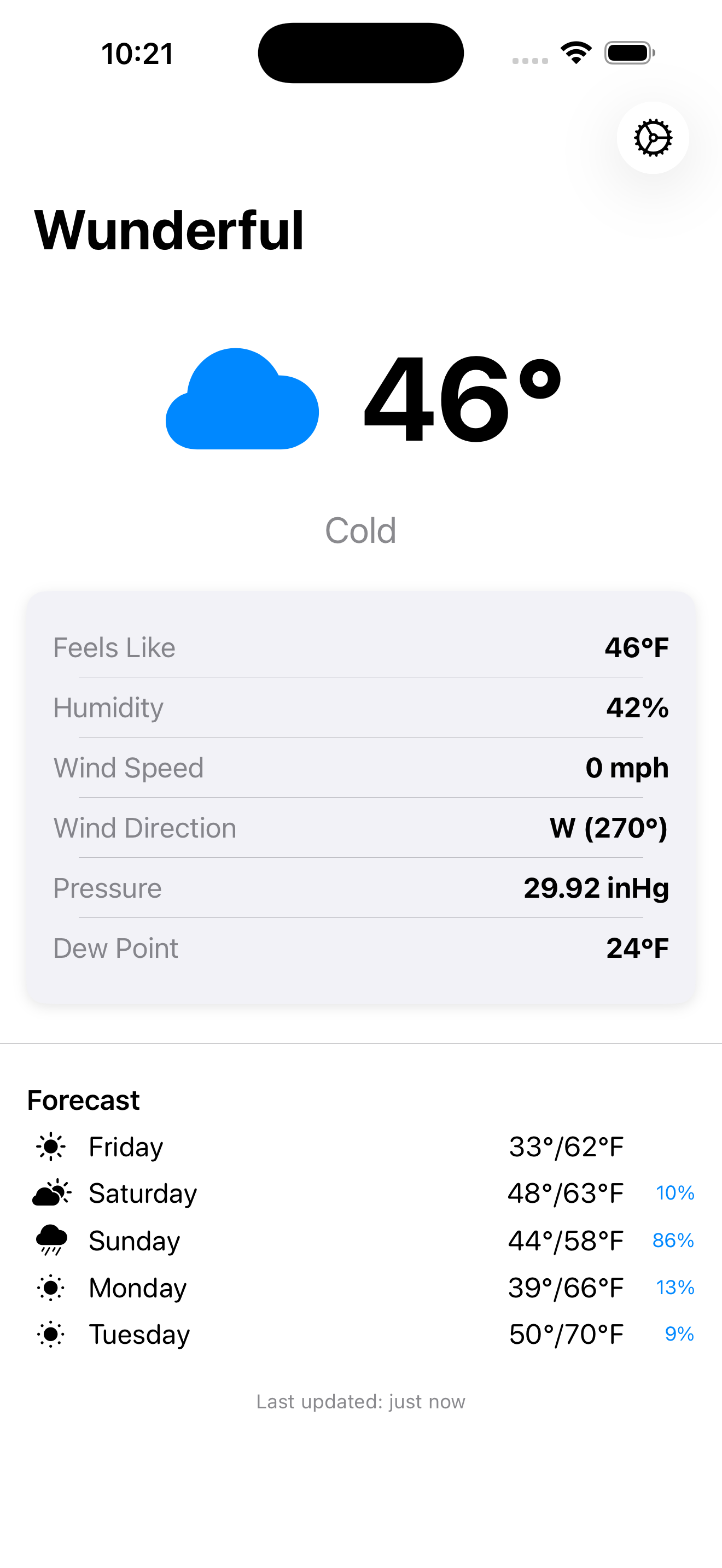
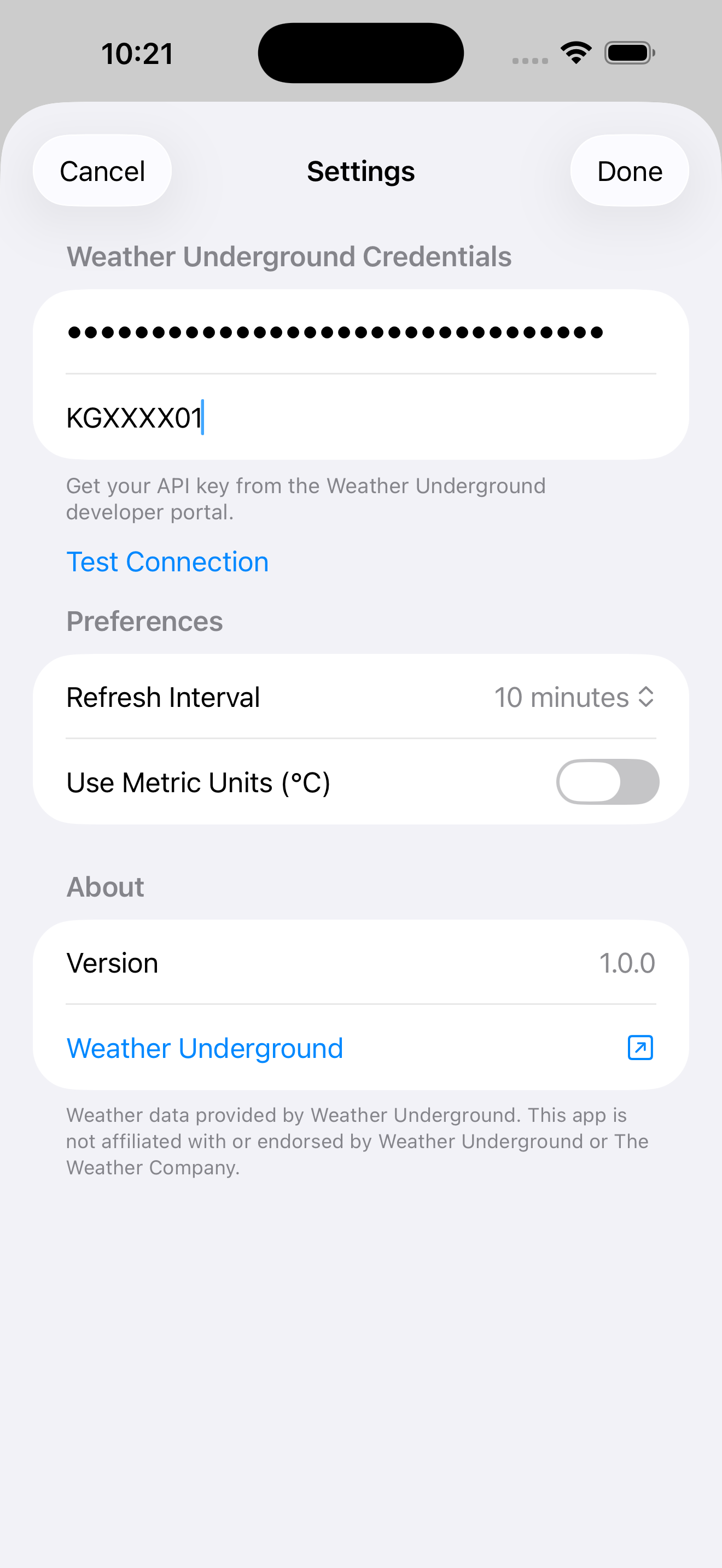
Wunderful showing current weather conditions on iPhone
Scroll

Powerful in every detail.

Everything your Personal Weather Station reports — beautifully presented and always up to date.

Multi-Station Support

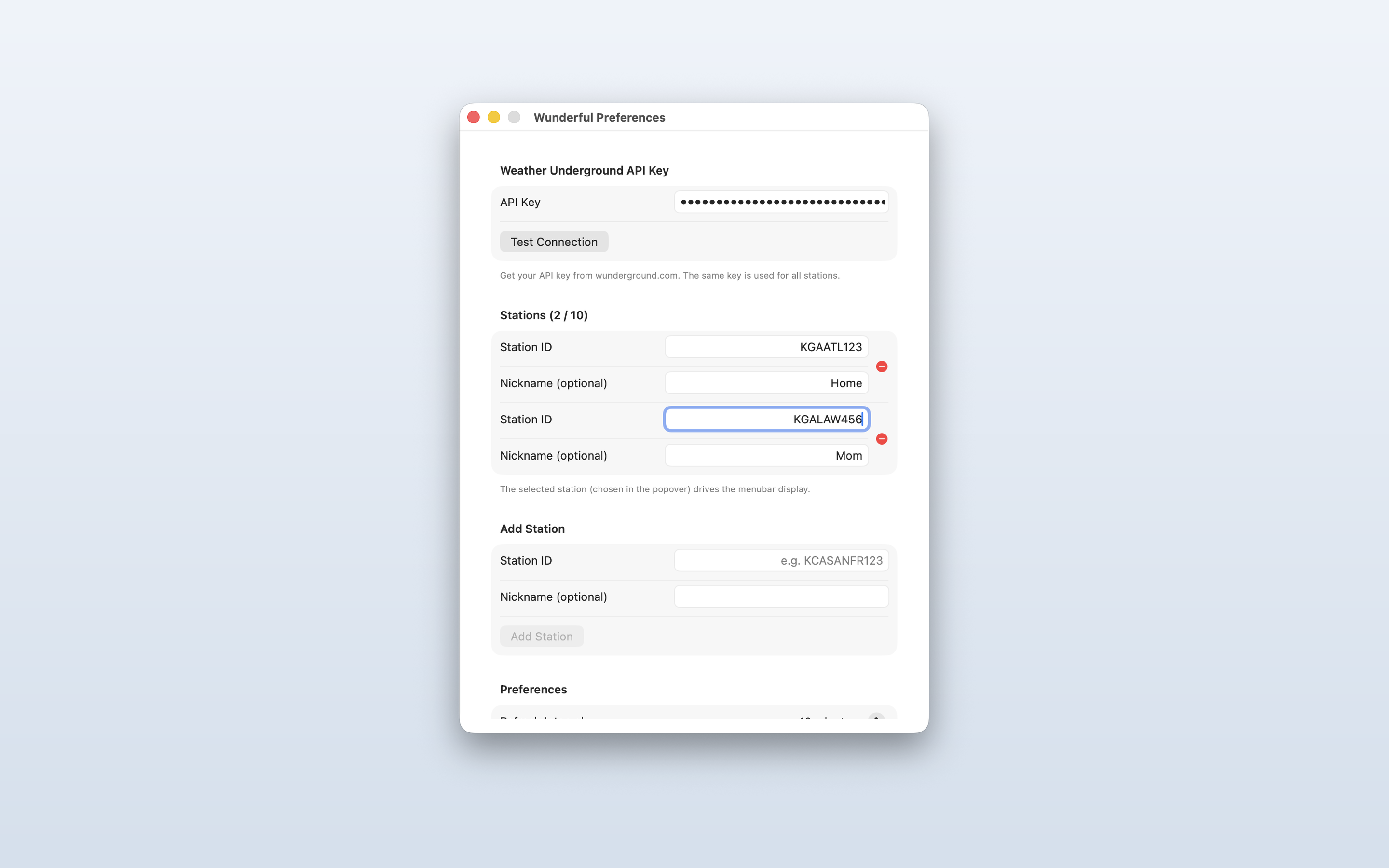
Track up to 10 personal weather stations. Give each a nickname — Home, Mom's, the cabin — and switch between them with a single tap.

Real-Time Conditions

Temperature, feels-like, humidity, dew point, wind speed & direction, and barometric pressure — all pulled directly from your PWS.

Precipitation Tracking

See current precipitation rate and today's running total alongside your other conditions — straight from your station's rain gauge.

5-Day Forecast

A detailed 5-day forecast for your station's exact location — with highs, lows, precipitation chance, and daily conditions.

Mac Menubar App

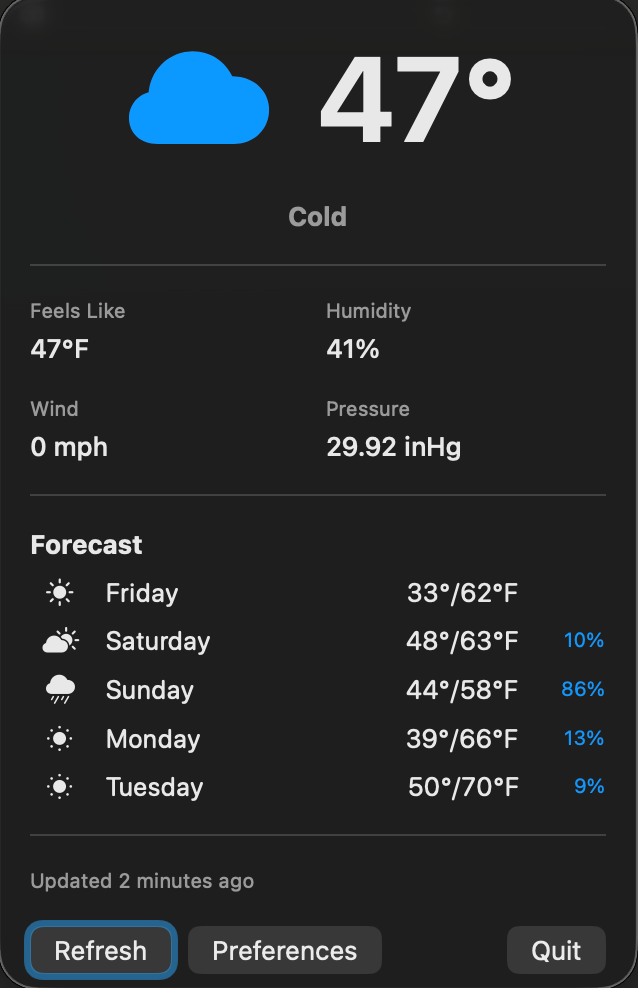
Lives in your Mac menubar with the current temperature always visible — and follows whichever station you've selected. Click to expand the full popover.

Works Offline

A 24-hour smart cache means you always have data — even when your network drops. Cached data is clearly indicated so you know what's fresh.

Configurable Refresh

Choose how often Wunderful checks your station — every 5, 10, 15, or 30 minutes. Manual refresh anytime with a single tap or click.

Clear Error Reporting

When something's wrong — bad API key, station offline, network down — a banner explains exactly what's happening and what to do next.

Secure by Design

Your Weather Underground API key is stored in the system Keychain — not plain text. No third-party servers, no tracking, no ads.

10 Stations Tracked
5 Day Forecast
0 Data Collected

Native on every screen.

Built separately for each platform — a menubar popover on Mac, a full SwiftUI experience on iPhone and iPad.

Wunderful on iPhone — current conditions with multi-station picker Conditions
Wunderful on iPhone — settings with stations editor Settings
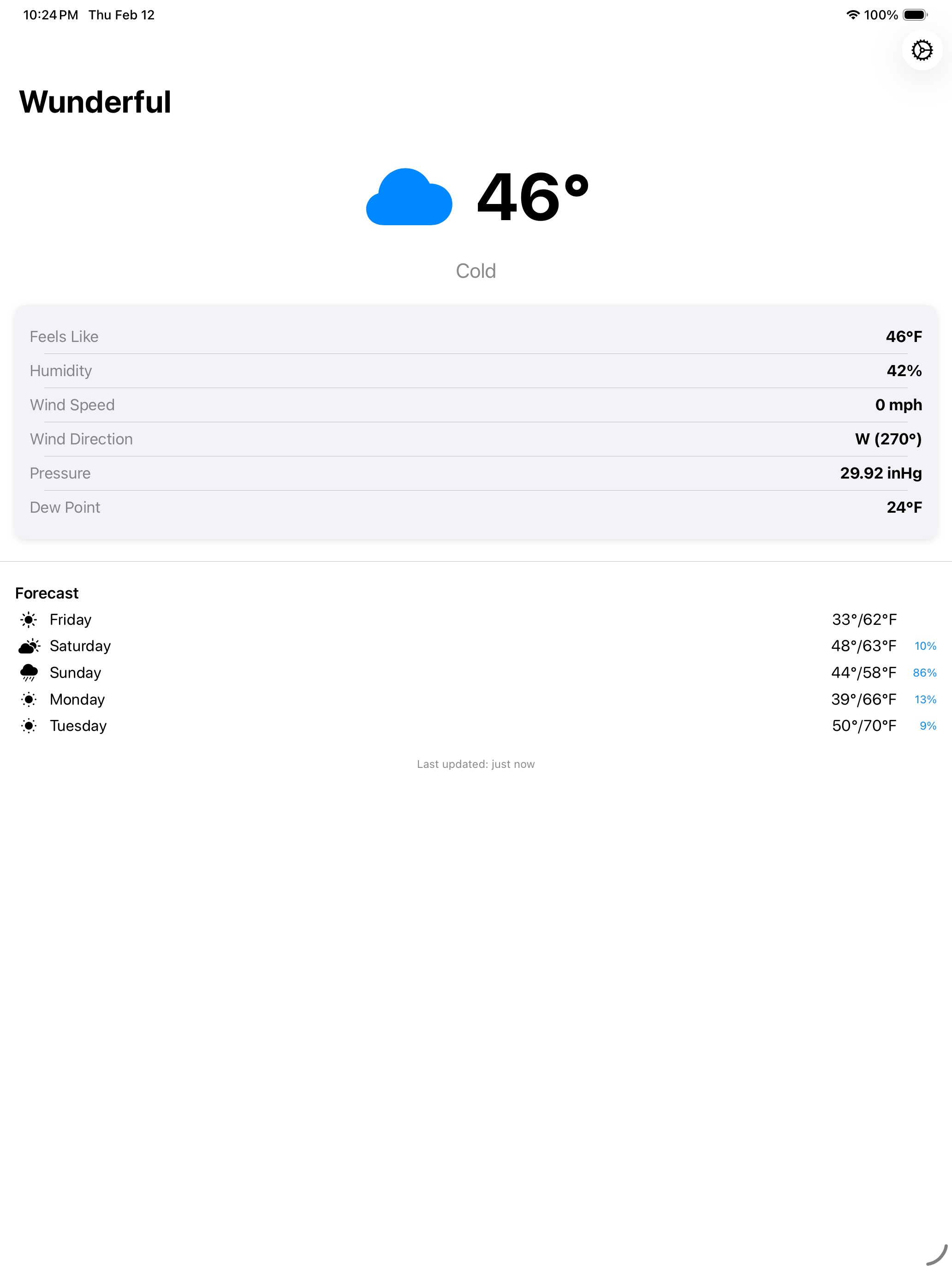
Wunderful on iPad — current conditions with multi-station picker Conditions
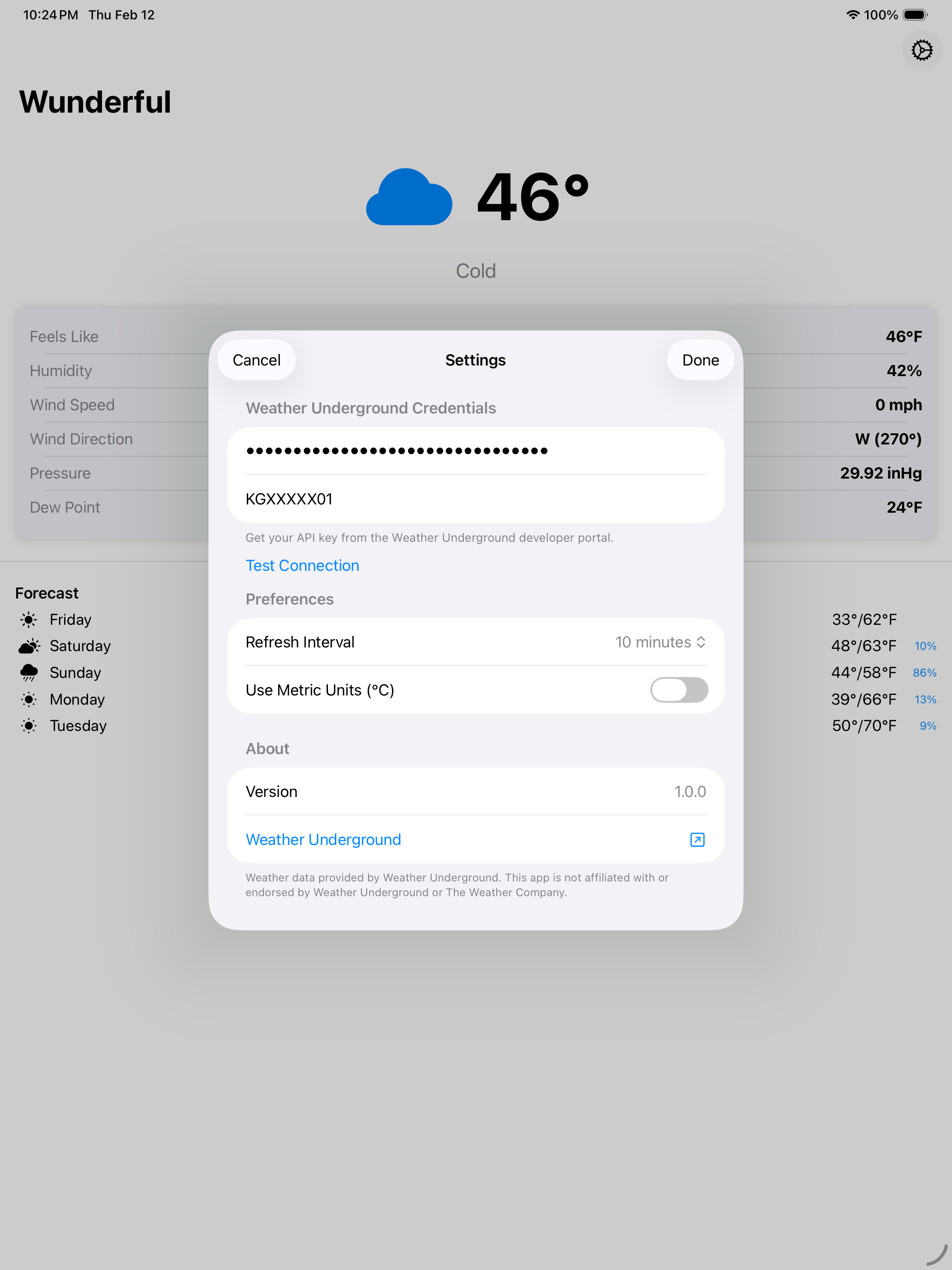
Wunderful on iPad — settings with stations editor Settings
Wunderful on Mac — menubar popover with multi-station picker Menubar
Wunderful on Mac — preferences with multi-station editor Preferences

Built for station owners.

01

Your Data, Your Locations

No generic city forecasts. Wunderful pulls data from your exact Personal Weather Stations — up to 10 of them — and fetches forecasts for each one's precise coordinates.

02

Truly Native

Built with SwiftUI on iOS and AppKit on macOS — not a web wrapper or cross-platform compromise. Feels at home on every Apple device.

03

No Account Required

Just enter your Weather Underground API key and station ID. Wunderful connects directly — no sign-up, no middleman.

04

Reliable & Resilient

Smart caching, graceful error handling, and independent data loading mean Wunderful always shows you something useful — even when the network isn't cooperating.

Ready for
Wunderful weather?

Download on iPhone and Mac. Just add your Weather Underground API key and station ID to get started.